
This is a TP-LINK TL-PA211 AV200 Mini Powerline Adapter with HomePlug AV technology, which can provide high speed up to 200Mbps and support data, voice, online gaming, and HD Video streaming simultaneously.
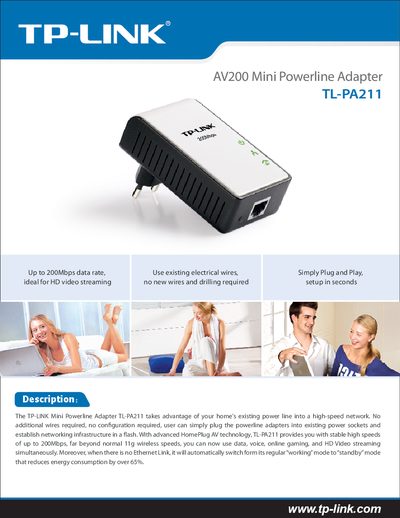
The TL-PA211 Mini Powerline Adapter uses existing home electrical wiring to create a high‑speed network up to 200 Mbps, supporting HD video streaming, online gaming, and VoIP. It features automatic standby mode that cuts power consumption by more than 65 % when no Ethernet link is present, and 128‑bit AES encryption for secure data transfer.
Installation is plug‑and‑play: simply insert each adapter into a power socket, press the Pair button to link them, and connect devices via the Ethernet port. The guide also lists technical specifications such as range, power usage, dimensions, and supported operating systems.
| Maximum Data Rate | Up to 200 Mbps |
|---|---|
| Maximum Range | Up to 300 m |
| Security | 128‑bit AES encryption |
| Dimensions (L×W×H) | 3.6 × 2.2 × 1.2 in (93 × 56 × 30 mm) |
| Plug Types | EU, UK, US, AU |
| Operating Humidity | 10 % to 90 % RH (non‑condensing) |
Simply plug each adapter into a power socket, press the Pair button, and connect your devices to the Ethernet port—no additional configuration is required.
When no Ethernet link is detected, the adapter automatically switches to standby mode, reducing power consumption by up to 65 %.
The adapter provides 128‑bit AES encryption, which can be enabled with the Pair button.
The TL-PA211 supports a data rate of up to 200 Mbps.