
Key facts
- Brand
- Ricoh
- Model
- CX6
- Category
- Digital cameras
- Industry
- Electronics
- Documents
- 13
- Languages
- PT · SV · DA · NL · KO · JA · IT · DE · FR · EN · ZH
- Last added
- 2012-07-09
Start here
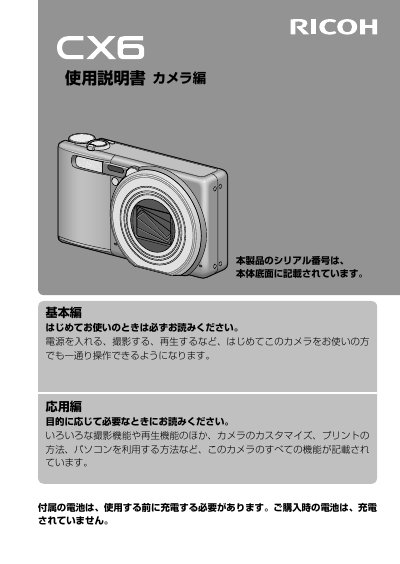
RICOH CX6 camera Manual(1)
This is a comprehensive Japanese user manual for the Ricoh RING CUBE digital camera. The document guides first-time users through essential functions such as powering on, shooting, and playback to ensure they can operate the device immediately upon purchase.
The guide also covers advanced topics including various photography modes, print methods, customization options, and computer connectivity. It includes specific safety warnings regarding battery usage, proper disposal of hazardous materials, and precautions for using the camera in different environments. This manual is written in Japanese.
All Ricoh CX6 documents by type
Day-to-day operation, settings and troubleshooting. Start here if the product is already set up.
- RICOH CX6 camera Manual(12)
- Ricoh CX6 Camera User Manual 172 p
- Ricoh CX6 Camera User Manual 172 p
- Ricoh CX6 Camera User Manual 172 p
- Ricoh CX6 Camera User Guide 172 p
- RICOH CX6 camera Manual(7)
- Ricoh CX6 Digital Camera User Manual 168 p
- RICOH CX6 camera Manual(1) 179 p
- Ricoh CX6 Camera User Manual 172 p
- RICOH CX6 camera Manual(5) 171 p
- Ricoh CX6 Camera User Manual 172 p
- Ricoh CX6 Camera User Guide 172 p
- Ricoh CX6 Camera User Manual 168 p
Questions answered in these manuals
What must be done before using the rechargeable battery?
The rechargeable battery must be charged before it is used.
How long should eyes be rinsed if liquid crystals get in them?
Eyes should be rinsed with clean water for at least 15 minutes.
What is the Ricoh CX6 camera used for?
The camera is used for taking photos and playing back images.
What is the operating hours for the customer support center?
The center is open from 9:00 to 17:00.
How should the battery be prepared before using the camera?
The rechargeable battery must be charged before use because it is not included when you purchase the camera.
What steps should be taken if liquid crystals from a damaged screen touch your skin?
Wipe the area off, rinse the skin thoroughly with water, and wash it carefully with soap.