
This instruction manual describes how to use this product for photography and playback, and precautions for use.
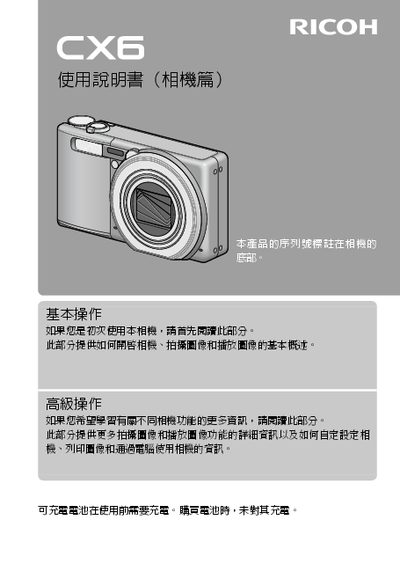
This is the user manual for the Ricoh CX6 camera. It describes how to take and view photos and provides precautions for using the product. Read it before use and keep it for future reference.
The manual covers basic operations such as turning the camera on, shooting and playing back images, as well as advanced operations including different shooting modes, camera settings, printing, and using the camera with a computer. This manual is written in Chinese.
Two manuals are included: the Camera Edition and the Software Edition (PDF file).
It is printed on the bottom of the camera.
Rinse with clean water for at least 15 minutes and see a doctor immediately.
No. Using the flash near a vehicle driver may cause them to lose control and lead to a traffic accident.