
Key facts
- Brand
- Ricoh
- Model
- CX2
- Category
- Digital cameras
- Industry
- Electronics
- Documents
- 13
- Languages
- EN · FR · DE · IT · JA · ES · ZH
- Last added
- 2012-07-09
Start here
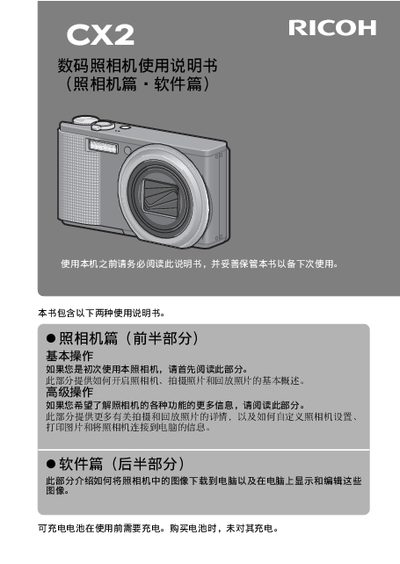
RICOH CX2 digital cameraManual
This manual covers safety precautions, battery handling, SD‑card usage, and basic camera operation such as turning the device on, setting language and date, and composing shots. It also details advanced functions like zoom, macro, flash, self‑timer, and playback, plus instructions for connecting to a computer and printing via PictBridge.
The appendix includes full technical specifications, a troubleshooting guide for common issues like USB connection problems, and contact information for Ricoh service centers worldwide. This manual is written in Japanese.
Ricoh CX2 specifications
| Effective pixel count | ≈9.29 MP |
|---|---|
| Image sensor | 1/2.3" CMOS (≈10.29 MP total) |
| Lens focal length | 4.9 mm – 52.5 mm (35 mm equiv. 28 mm – 300 mm) |
| Maximum aperture | F3.5 – F5.6 |
| Optical zoom | 10.7 × |
| Digital zoom | 4.8 × |
| Maximum image resolution | 3456 × 2592 |
| ISO sensitivity range | ISO 80 – ISO 1600 |
Source: RICOH CX2 digital cameraManual
All Ricoh CX2 documents by type
Day-to-day operation, settings and troubleshooting. Start here if the product is already set up.
- Ricoh CX2 Camera User Guide 248 p
- Ricoh CX2 Digital Camera User Manual 250 p
- Ricoh CX2 Camera User Manual 250 p
- Ricoh CX2 Digital Camera User Guide 250 p
- Ricoh CX2 Digital Camera User Guide 248 p
- Ricoh CX2 Digital Camera User Manual 246 p
- Ricoh CX2 Camera User Guide 250 p
- RICOH CX2 User Guide(2)
- Ricoh CX2 Camera User Guide 248 p
- Ricoh CX2 Camera User Manual 245 p
- RICOH CX2digital camera Manual
- RICOH CX2 digital cameraManual 282 p
Mounting, wiring and first power-up. Read it before the hardware goes in.
Questions answered in these manuals
Is the battery included with a charge when I buy the camera?
The rechargeable battery is not charged at the time of purchase and must be charged before use.
What should I do if liquid crystal from a damaged monitor gets in my eyes?
Wash your eyes with clean water for at least 15 minutes and seek medical advice immediately.
Is the rechargeable battery included when purchasing this camera?
The rechargeable battery is not included with the purchase and must be charged before use.
How long should you rinse your eyes if LCD crystals get inside them?
Wash the eyes with clean water for at least 15 minutes and see a doctor immediately.
What must be done to the battery before using the camera?
The battery must be charged before use because it is not charged when purchased.
What steps should be taken if liquid enters the camera?
Turn off the power supply immediately, remove the battery and memory card, and unplug the power cable if the camera is connected to mains power.