
This user manual describes the basic and advanced operations of the Caplio R7 camera, including how to take photos and play back photos, how to customize the camera settings, print photos, and use the camera with a computer.
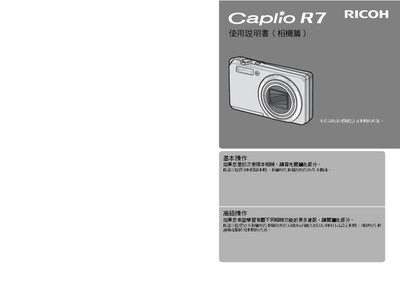
This manual provides step‑by‑step instructions for basic and advanced operation of the Ricoh Caplio R7 digital camera, including how to turn the camera on, capture photos, play back images, and connect to a computer. It also covers safety warnings, warranty information, and contact details for service centers.
Detailed sections describe the camera’s functions such as optical zoom, macro shooting, flash use, image stabilization, custom settings, and direct printing, helping users get the most out of the device in various shooting conditions. This manual is written in Chinese.
| Optical Zoom | 7.1× (28 mm to 200 mm equivalent) |
|---|---|
| Maximum Image Resolution | 3264 × 2448 pixels |
| Built‑in Flash | Yes, with close‑up flash mode (20 cm‑25 cm) |
| Image Stabilization | Camera shake correction function |
Use the delete function and specify a range of files; the manual describes “輕鬆刪除多個檔案”.
It reduces blur caused by camera movement, allowing clearer photos in low‑light or handheld situations.
Activate the macro mode to focus at distances as close as 1 cm for ultra‑close‑up shots.