
This document describes how to download the firmware from the Ricoh website and update the camera's firmware.
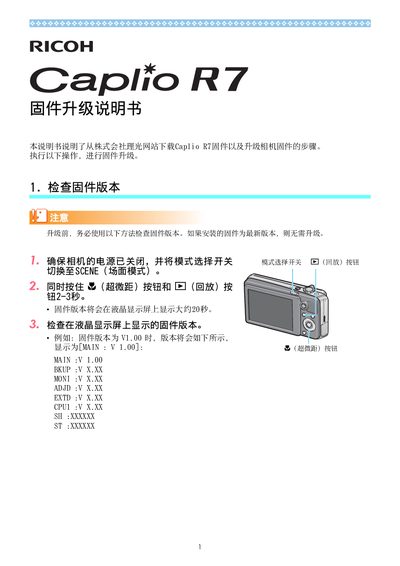
The guide first shows how to verify the firmware version displayed on the camera’s LCD screen. It then details downloading the firmware package from Ricoh, extracting the files, and preparing them for transfer.
Next, it describes copying the extracted firmware files (vlaunch3, vlaunch7) to an SD card via USB or a card writer, inserting the card into the camera, and using the Ricoh Gate software on Windows or Macintosh to complete the update. Troubleshooting tips for common errors are also included. This manual is written in Japanese.
| Supported Operating Systems | Windows, Macintosh |
|---|
The firmware version is shown on the LCD screen; look for the version line such as MAIN: V1.00.