
This manual describes the basic operations and features of the Caplio R7 camera, including how to take pictures, play back pictures, customize camera settings, print pictures, and connect the camera to a computer.
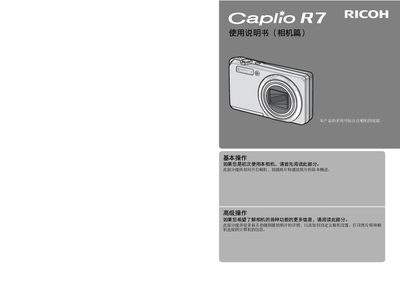
This manual explains how to operate the Ricoh Caplio R7 digital camera, covering basic functions such as turning the camera on, taking photos, and playing back images. It also details advanced features, custom settings, printing directly from the camera, and connecting the camera to a computer.
Additional sections cover safety warnings, troubleshooting, specifications, and warranty information, helping users get the most out of the camera in various shooting conditions. This manual is written in Chinese.
| Resolution | 8.29 megapixels (effective 8.15 MP) |
|---|---|
| Optical Zoom | 7.1× optical zoom (28 mm–200 mm equivalent) |
| Battery | Rechargeable DB‑70 (3.6 V) |
| Weight | ≈135 g (camera body only) |
| ISO Sensitivity | Auto, Auto High, ISO 64‑1600 |
The camera has a total of 8.29 million pixels, with 8.15 million effective pixels.
It uses a rechargeable DB‑70 battery rated at 3.6 V.
Yes, the camera supports direct printing via PictBridge when connected to a compatible printer.
It provides a 7.1× optical zoom covering 28 mm to 200 mm (35 mm equivalent).