
This manual provides information on how to use the shooting and playback functions of this product, as well as warnings on its use.
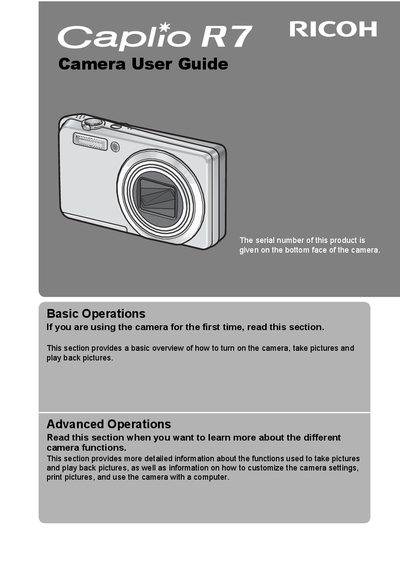
This manual explains how to use the shooting and playback functions of the Ricoh Caplio R7 camera, along with safety precautions, warranty information, and contact details for support. It also includes key feature descriptions such as the 7.1× optical zoom lens, macro shooting capability, and built‑in flash.
The guide is organized into basic and advanced operation sections, covering topics like mode selection, exposure settings, video recording, file management, and troubleshooting. Support phone numbers for various regions and environmental information are provided at the end of the document.
| Optical zoom | 7.1× |
|---|---|
| Focal length (35 mm equivalent) | 28 mm – 200 mm |
| Macro shooting distance | 1 cm |
| Close‑up flash shooting distance | 25 cm (Telephoto) / 20 cm (Wide‑angle) |
| Video resolution and frame rate | 640 × 480 px at 30 fps (or 15 fps) with sound |
Use the camera shake correction function, which reduces blurring caused by hand movement.
The camera can record movies at 640 × 480 pixels with either 30 fps or 15 fps and includes full sound.
Select a range of files and use the delete function to remove them in a single operation.