
This manual introduces the use of MCD710B DVD player.
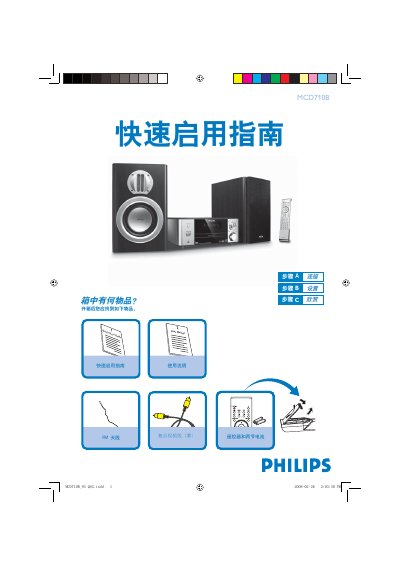
The guide begins with a list of items included in the box, such as the yellow composite video cable, FM antenna, remote control with two batteries, and power cord. It then provides step‑by‑step instructions for connecting the cable to a TV, DVD player, and FM antenna, as well as setting the correct video input on the television.
Further sections cover setting the system clock, operating the DVD menu, using the USB port for audio playback, and detailed remote‑control functions. Tips for interlaced/ progressive scan settings and radio tuning are also included. This manual is written in Chinese.
| Cable color | Yellow |
|---|---|
| Included accessories | FM antenna, remote control with two batteries, power cord |
In standby mode, hold the CLOCK button, use the VOLUME‑/ + keys to adjust hours and minutes, then press CLOCK to confirm.
Press the / key to open the disc tray, insert a disc with the label side up, then close the tray and the disc will start playing automatically.
Insert the USB plug into the USB port, press the SOURCE button (or the USB button on the remote) to select USB, and the audio files will play like a CD.