
This is a user manual for BDP9600
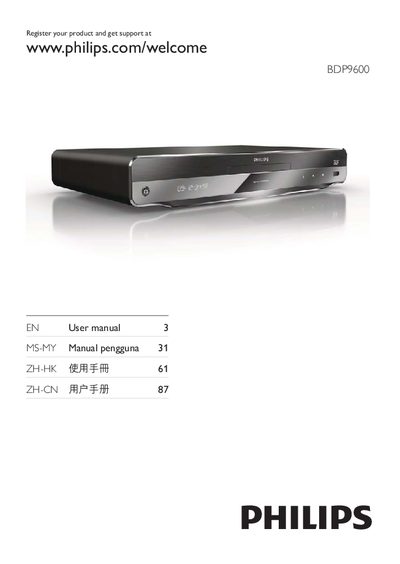
This manual covers everything you need to get started with the Philips BDP9600 Blu‑ray player, including safety precautions, key features, supported media, and detailed connection options. It guides you through initial setup, network configuration, and using Philips EasyLink.
You will also find instructions for playing discs, USB content, and online streaming, as well as how to adjust video, audio, and network settings, perform software updates, and troubleshoot common issues.
| Audio Channels | 7.1 |
|---|---|
| Supported Audio Formats | Dolby TrueHD, DTS‑HD Master Audio |
| 3D Blu‑ray Playback | Supported |
Visit the Philips registration page at www.philips.com/welcome and enter the model and serial number shown on the back of the player.
Leave at least 4 inches of free space around the player to ensure proper ventilation.
Connect an HDMI cable from the player’s HDMI port to the TV’s HDMI input; using an HDMI‑2 (high‑speed) cable gives the best video and audio quality.
Yes, the player supports 3D Blu‑ray playback when connected to a 3D‑compatible TV and using 3D glasses.