
This manual introduces the use of the portable speaker, including safety, installation, use, cleaning and maintenance.
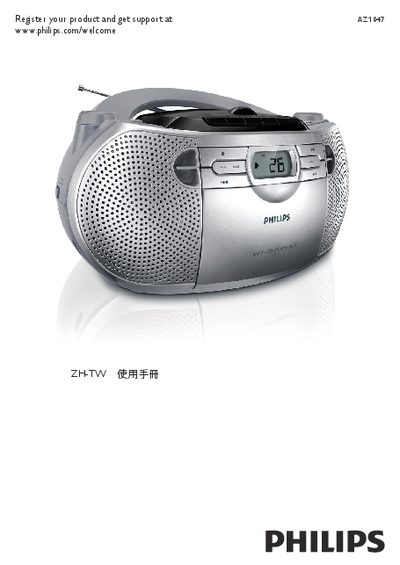
The Philips AZ1047 is a portable audio system that plays music CDs, FM/MW radio, and cassettes. It also supports MP3-CDs, programmable playback order, and DBB.
The manual includes safety instructions, a main unit overview, battery and AC power setup, operating steps for CD, radio, tape, and recording, troubleshooting tips, and product specifications. Register the product at www.philips.com/welcome for Philips support. This manual is written in Chinese.
| Dimensions (main unit) | 291 x 146 x 243 mm |
|---|---|
| Weight (main unit) | 1.8 kg |
| Power supply | DC 9V 1.5 A; AC 110~127 / 220~240 V |
| Power consumption | 12W operating; < 2W standby |
| Output power | 2 x 1W RMS |
| Operating temperature range | -10°C to +50°C |
It uses 6 x 1.5V R14/UM-2/C-cell batteries.
Press MODE repeatedly during playback until the repeat indicator appears.
Yes. Switch the source to TUNER, tune to a station, insert a blank cassette, and press record.