
This user manual provides instructions for installing, operating, and maintaining the Philips AC2936 and AC2939 air purifiers, including Wi-Fi setup and…
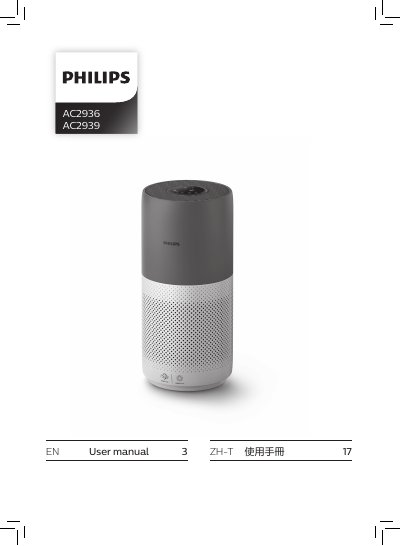
This manual covers the setup and operation of the Philips AC2936 and AC2939 air purifiers. It details how to install the NanoProtect filter, connect the device to a Wi-Fi network using the Clean Home+ app, and operate various modes such as Auto, Turbo, Gentle, and Sleep. The guide also explains how to interpret air quality indicators based on IAI and PM2.5 levels.
Download the Philips "Clean Home+" app, connect your smartphone to your Wi-Fi network, and follow the onscreen instructions in the app to connect the air purifier.
The color indicates the air quality level based on IAI or PM2.5 readings, ranging from Blue (Good) to Red (Very poor).
You should clean the particle sensor every 2 months for optimal functioning of the appliance.