
Philips AC2936/AC2939 air purifier user manual: filter installation, Wi-Fi setup with the Air+ app, modes, display, child lock, cleaning and troubleshooting.
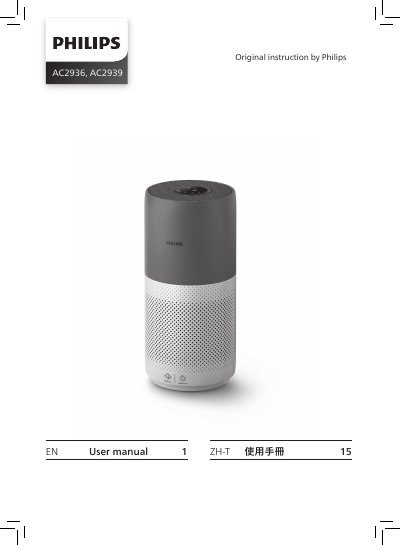
The Philips AC2936/AC2939 air purifier user manual explains how to set up the appliance, including installing the NanoProtect filter Series 3 (FY2180/30) and connecting the purifier to a Wi-Fi network with the Philips Air+ app. It also describes the control panel, the Wi-Fi indicator states and the air quality light.
The manual covers everyday operation: turning the purifier on and off, choosing Auto, Turbo, Gentle or Sleep mode, switching the display indicator, using the light on/off function and setting the child lock. Cleaning and maintenance instructions cover the body, the particle sensor and the filter surface, along with filter replacement and reset, storage and troubleshooting.
| Filter | NanoProtect filter Series 3 (FY2180/30) |
|---|---|
| Operating modes | Auto, Turbo, Gentle, Sleep |
| Air quality reading time | Approximately 30 seconds |
Make sure the air purifier is unplugged from the electrical outlet before installing the filter.
The manual instructs you to download and install the Philips Air+ app from the App Store or Google Play, then follow the onscreen instructions.
Touch and hold the two buttons for 3 seconds to activate the child lock.
After approximately 30 seconds, the particle sensor selects the color that corresponds to the surrounding air quality.