
The Extech SDL300 Thermo-Anemometer Datalogger displays and stores air velocity and temperature readings. Temperature readings from the thermometer built into the vane probe or from an externally connected type K or J thermocouple temperature probe can be displayed and recorded. Data is stored on an SD card for transfer to a PC. In addition, an RS232 port allows data streaming to a PC.
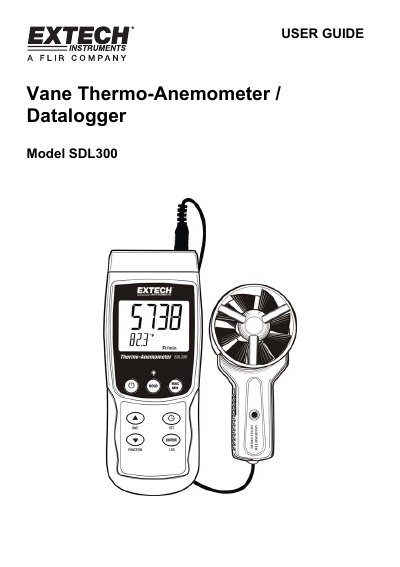
This user guide provides instructions for the Extech SDL300 Vane Thermo-Anemometer Datalogger, a device designed to measure and store air velocity and temperature. The instrument supports two operation modes: Air Velocity plus Temperature using a vane probe, and Type K or J thermocouple temperature mode. Data can be stored on an SD card or streamed to a PC via an RS232 port.
| Compatible SD Card Sizes | 1G to 16G |
|---|---|
| Thermocouple Types | Type K or J |
| Power Source | six (6) 1.5V 'AA' batteries |
Press and hold the FUNCTION key for at least 1.5 seconds to switch from one mode to the other.
Press the HOLD key momentarily to freeze the reading and switch on the HOLD display icon.
Remove the SD card from the meter and plug it directly into a PC SD card reader.