
This is a pH meter that can measure the acidity or alkalinity of a solution. The measurement range is 0-14pH. Solutions with a pH less than 7 are considered acidic, solutions with a pH higher than 7 are known as bases, and solutions with a pH of near 7 are neutral.
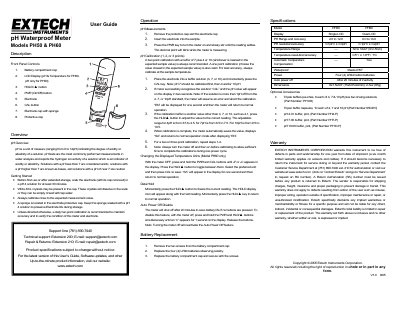
This document is the User Guide for the Extech PH50 and PH60 pH Waterproof Meters. It details the front panel controls, including the LCD display, buttons for power, hold, and calibration, and the electrode components. The guide explains how to use the device for measuring acidity or alkalinity in water analysis solutions.
| pH Range (PH50) | 2.0 to 12.0 |
|---|---|
| pH Resolution/Accuracy (PH50) | 0.1pH / ± 0.3pH |
| Temperature Range (PH60) | 32 to 122°F (0 to 50°C) |
| Power Source | Four (4) LR44 button batteries |
| Waterproof Rating | IP67 |
| Auto Power Off | After 20 minutes of inactivity |
Soak the electrode in a pH 4 solution for at least 30 minutes.
A daily two-point calibration using buffers of 7 plus 4 or 10 is recommended.
Press and hold PWR and CAL buttons until oF or oC appears, then toggle with HLD/▲.
The instrument is warranted for one year from the date of shipment.