
This document is a user guide for the pH Waterproof Meter model PH60. The guide provides information about the front panel controls, pH overview, getting started instructions, and the operation steps for pH measurements.
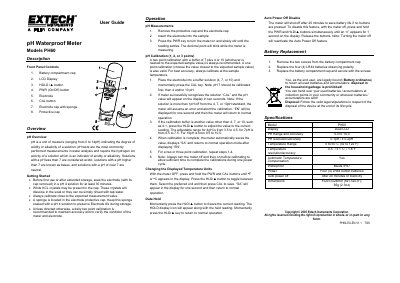
This document is the user guide for the Extech PH60 pH Waterproof Meter. It provides instructions on getting started, including soaking the electrode and performing daily calibration. The guide details how to take pH measurements, adjust temperature units, use the data hold function, and replace batteries.
| pH Range | 0 to 14 |
|---|---|
| pH Resolution | 0.01 pH |
| pH Accuracy | ±0.2 pH |
| Temperature Range | 0 to 50°C (82 to 122°F) |
| Temperature Resolution | 0.1°C / 1.8°F |
| Waterproof Rating | IP67 |
| Power Source | Four (4) LR44 button batteries |
| Dimensions | 152x37x24mm (6x1.5x0.9") |
| Weight | 65g (2.302 oz) |
Soak the electrode (with its cap removed) in a pH 4 solution for at least 30 minutes.
A daily two point calibration is recommended to maintain accuracy and verify the condition of the meter.
With the meter off, press and hold the PWR and HLD/ buttons simultaneously until an 'n' appears for 1 second.