
The Extech MN42 MultiMeter is a versatile digital multimeter that offers AC/DC voltage, DC current, and resistance testing. Proper use and care of this meter will provide many years of reliable service.
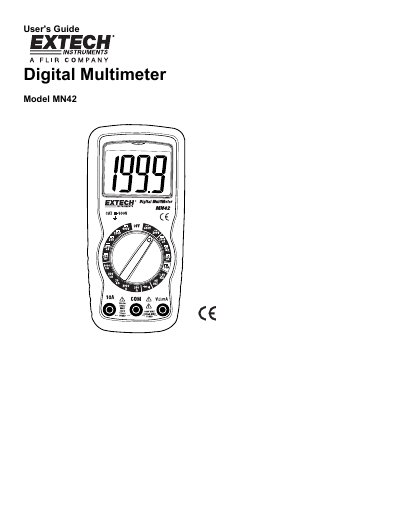
This document is the User's Guide for the Extech MN42 Digital Multimeter. It provides comprehensive operating instructions for measuring AC/DC voltage, DC current, resistance, continuity, and diodes, as well as battery testing. The guide includes detailed safety warnings and precautions to ensure safe operation.
| DC Voltage Range | 200mV to 600V |
|---|---|
| AC Voltage Range | 200V to 600V |
| DC Current Range | 2000µA to 10A |
| Resistance Range | 200Ω to 2000kΩ |
| Battery Test | 9V and 1.5V |
The maximum input voltage is 600V AC and DC.
Do not make current measurements at 10 Amps for longer than 30 seconds.
The +- icon will appear in the display when the battery voltage becomes low.