
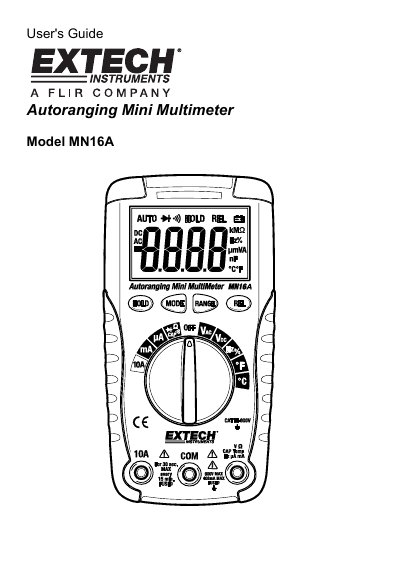
This manual provides the user's guide for the Extech MN16A Autoranging Multimeter. It details the device's features, including a 4,000 count LCD display and various input jacks for different measurement functions. The document emphasizes safety precautions, such as avoiding high voltage exposure and proper handling of test leads, to prevent injury or damage to the meter.
| Display | 4,000 count LCD |
|---|---|
| Max Input Voltage (DC/AC) | 600VDC/AC |
| Max Input Current (mA) | 400mA AC/DC |
| Max Input Current (A) | 10A AC/DC |
| Max Frequency/Resistance Input | 250VDC/AC |
The 'OL' indicator appears when the measured value exceeds the selected range.
You should not make 20A current measurements for longer than 30 seconds.
An audible signal sounds if the resistance is less than approximately 150 Ω.