
This document introduces the features and uses of Extech's Fruit Hardness Tester Model FHT200. The tester is used to measure the hardness (ripeness) of fruits such as apples, pears, strawberries, and grapes. It features a high-precision load cell sensor, digital display with peak hold function, tension or compression measurement, positive/reverse display, large backlight LCD display, RS-232/USB computer interface, and comes with a hard carrying case and 4 measurement tips.
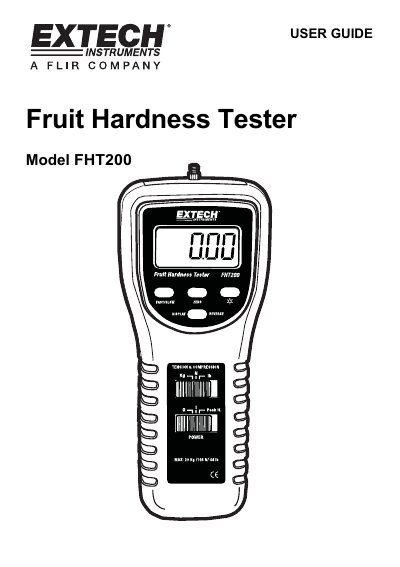
This user guide provides instructions for the Extech FHT200 Fruit Hardness Tester, a professional instrument designed to measure the hardness and ripeness of fruits such as apples, pears, strawberries, and grapes. The device features a high-precision load cell sensor, a large backlight LCD display with peak hold functionality, and supports multiple units of measurement including kilograms, pounds, and Newtons. It is suitable for use in fruit science research, production, and agricultural settings to improve quality control and storage efficiency.
| Maximum Capacity | 20.00Kg / 44.10LB / 196.10 Newton |
|---|---|
| Units | Kg/lb/Newton |
| Display | 5 digits LCD with backlight |
| Transducer | Load cell |
| Resolution | 0.01Kg / 0.01LB / 0.05 Newton |
| Accuracy | ± (0.5 % + 2 digits) |
| Operating Temperature | 0°C to 50°C |
| Power Supply | 6 x 1.5 V AA batteries or 9VDC adapter |
| Dimensions | 215 x 90 x 45 mm |
The set includes four tips with diameters of 3 mm, 6 mm, 8 mm, and 11 mm.
Press and hold the LCD Back Light button for more than 2 seconds until the backlight turns on.
FAST is the preferred speed for fruit harness testing.
The device requires 6 x 1.5V AA (UM-3) batteries or a DC 9V power adapter.