
This document describes the Fruit Hardness Tester FHT200 produced by Extech Instruments Corporation from 2008 to 2011. The tester features four penetrometer tips for large/hard and small/soft fruits. It has a basic accuracy of 0.5% and functions including tension or compression, peak hold, and zero. The large LCD display with backlight allows for easy readability. The tester can be connected to a computer via RS-232 interface and optional software is available. It comes with four penetrometer tips and six AA batteries.
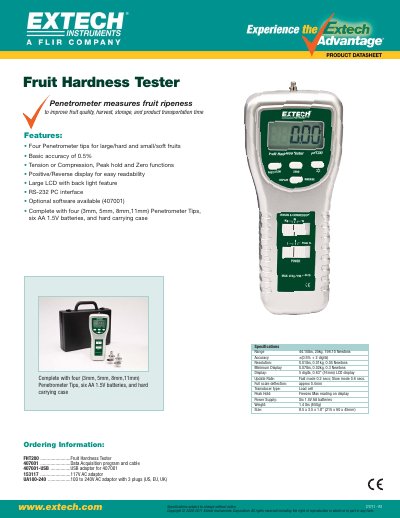
The Extech FHT200 is a professional instrument designed to measure the hardness (ripeness) of fruits such as apples, pears, strawberries, and grapes. It features a high-precision load cell sensor, a digital display with peak hold function, and supports multiple units including Kg, lb, and Newton.
The manual details how to select appropriate measurement tips based on fruit type, perform measurements in both normal and Peak modes, and utilize optional RS-232/USB interfaces for data logging. It also covers maintenance procedures such as battery replacement.
| Maximum capacity | 20.00Kg / 44.10lb / 196.10 Newton |
|---|---|
| Display | 5 digits LCD with backlight |
| Transducer | Load cell |
| Resolution (Kg) | 0.01Kg |
| Accuracy | + (0.5 % + 2 digits) |
| Power Supply | 6x 1.5 V AA batteries or 9VDC adapter |
| Operating Temperature | -0°C to 50°C |
The complete set includes four tips: 3 mm, 6 mm, 8 mm, and 11 mm.
The general recommendation is to use the 11mm tip for apples.
Press and hold the Back Light button for more than 2 seconds until the display illuminates.
It holds the highest reading encountered in the display during a measurement.