
TD-W8951ND 150Mbps Wireless N ADSL2+ Modem Router, this document is its user manual
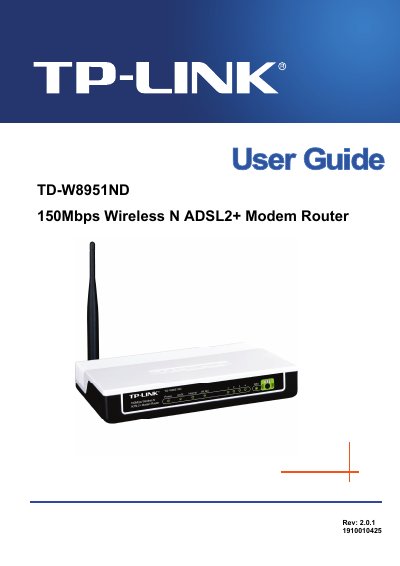
This guide explains how to install, configure, and maintain the TP-Link TD-W8951ND 150Mbps Wireless N ADSL2+ Modem Router. It covers hardware installation, quick start procedures, detailed web‑based configuration, and advanced features such as firewall, QoS, and VLAN.
The manual also includes troubleshooting tips, LED status explanations, and a full specification table. Appendices provide regulatory information and a list of package contents, helping users verify they have all required accessories.
| LAN ports | Four 10/100Mbps Auto‑Negotiation RJ45 ports (Auto MDI/MDIX) |
|---|---|
| Phone port | One RJ11 port |
| Downstream data rate | Up to 24 Mbps |
| Upstream data rate | Up to 3.5 Mbps (Annex M enabled) |
| Maximum line length | 6.5 km |
The package should contain one TD‑W8951ND router, a power adapter, a quick installation guide, an RJ45 cable, two RJ11 cables, an ADSL splitter, and a resource CD.
Select Maintenance → SysRestart in the web interface and choose to restart with current settings or restore factory defaults.
Each LED shows the status of power, ADSL line, internet connection, WLAN activity, and LAN ports; for example, the Power LED is solid when the device is on.