
The TD-W8920G 108M Wireless ADSL2+ Router User Guide describes the features and characteristics of the product.
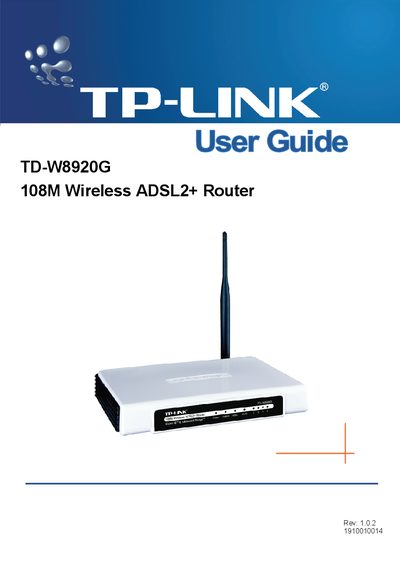
The TD-W8920G 108M Wireless ADSL2+ Router is a plug‑and‑play solution that combines a 4‑port Ethernet switch, firewall, NAT router and dual‑band wireless (802.11b/g) for small‑office/home‑office environments. It supports ADSL2+ broadband, various security features such as WEP/WPA/WPA2 encryption, MAC filtering and parental controls, and can be managed via a web‑based utility.
The guide covers hardware installation, quick setup, wireless LAN configuration, diagnostics, and management functions. It also includes a glossary of networking terms and a full specification table for reference.
| LAN Ports | Four 10/100M Auto‑Negotiation RJ45 ports (Auto MDI/MDIX) |
|---|---|
| Line Port | One RJ11 port |
| Working Temperature | 0°C ~ 40°C |
| Storage Temperature | -40°C ~ 70°C |
| Working Humidity | 10% ~ 90% RH (non‑condensing) |
| Storage Humidity | 10% ~ 90% RH (non‑condensing) |
| Wireless Standards | IEEE 802.11b, IEEE 802.11g |
It has four 10/100M auto‑negotiation RJ45 ports.
The SSID is a up‑to‑32‑character alphanumeric key that identifies a wireless LAN.
The router operates between 0 °C and 40 °C.