
Key facts
Start here
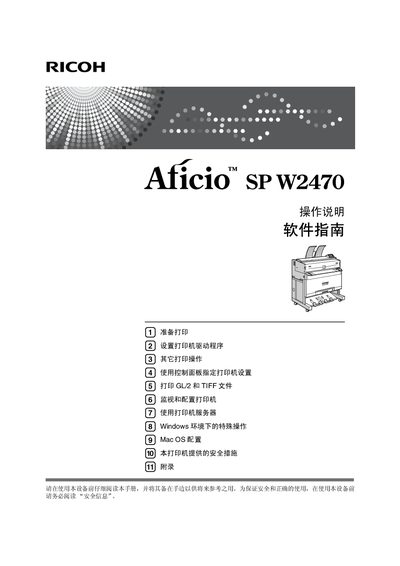
Ricoh Aficio SP W2470 User Manual
This manual covers safety information, hardware and software guides, and detailed instructions for installing drivers, configuring network connections, and using the printer's control panel. It also explains optional accessories such as the Paper Cassette Type 240.
The document includes sections on key usage, troubleshooting, and security settings, with symbols to highlight important safety notices and operational tips. Installation steps for various operating systems (Windows, Mac OS) and printing methods (USB, TCP/IP, LPR) are provided. This manual is written in Chinese.
Ricoh W2470 specifications
| Voltage (220‑240V models) | 220‑240V |
|---|---|
| Voltage (120V models) | 120V |
| Paper cassette type | Type 240 |
All Ricoh W2470 documents by type
Day-to-day operation, settings and troubleshooting. Start here if the product is already set up.
Questions answered in these manuals
How do I cancel a print job?
Press the Cancel Job key (【取消作业】) to stop the current print job.
What does the warning indicator light mean?
The warning indicator lights up when a printer error occurs.
How can I replace the toner cartridge?
Open the front cover, remove the used cartridge, insert the new cartridge, and close the cover; the manual’s “Replace Toner Cartridge” section (page 95) provides step‑by‑step instructions.
How do I clear a paper jam?
Open the appropriate access panels, gently pull out the jammed paper following the illustrated steps, and close the panels; see the “Remove Paper Jam” section (page 119).