
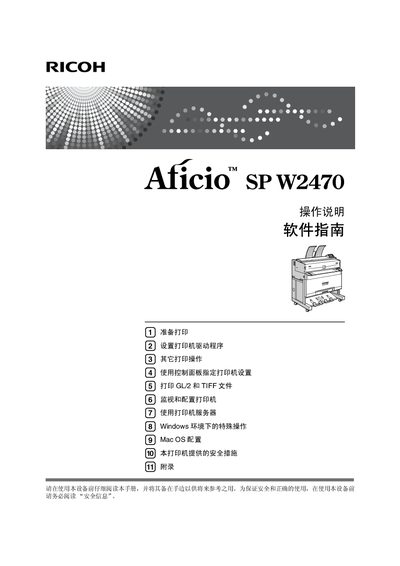
This manual covers all aspects of using the Ricoh Aficio SP W2470 printer, including hardware overview, installation steps, network configuration, paper handling, and consumable replacement. Detailed safety information and symbols are provided to ensure safe operation.
Additional sections guide users through cleaning, adjusting print quality, troubleshooting common errors, and removing paper jams. Appendices list specifications, optional accessories, and disposal instructions. This manual is written in Chinese.
| Print speed | up to 4 pages per minute (A1L, paper roll tray) |
|---|---|
| Resolution | 600 × 600 dpi (RPCS, PostScript 3, PDF) |
| Power supply | 220‑240 V, 50/60 Hz, 10 A (or 120 V, 60 Hz, 15 A) |
| Dimensions (W×D×H) | 1080 × 720 × 1160 mm |
Open the front cover, remove the used cartridge, insert the new cartridge, and close the cover; the manual’s “Replace Toner Cartridge” section (page 95) provides step‑by‑step instructions.
Open the appropriate access panels, gently pull out the jammed paper following the illustrated steps, and close the panels; see the “Remove Paper Jam” section (page 119).