
Key facts
- Brand
- Ricoh
- Model
- C2500
- Documents
- 3
- Languages
- EN · ZH
- Last added
- 2023-10-26
Start here
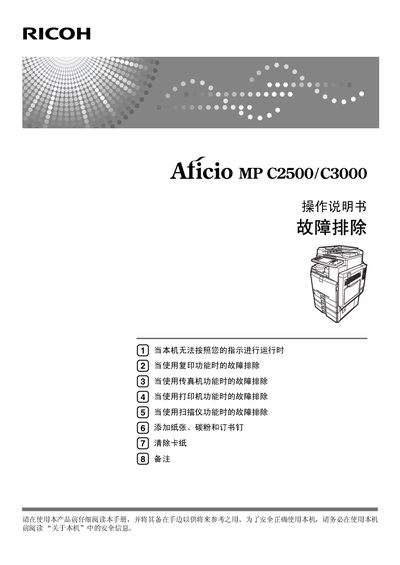
Ricoh Aficio MP LC2500/C3000 Operating Manual
This manual covers the Ricoh Aficio MP LC2500/C3000 multifunction device, which combines copying, printing, scanning, and faxing functions. It includes safety information, preparation steps, and detailed instructions for using each function, as well as guidance on installing the supplied CD-ROM and configuring network settings.
Additional sections address common problems such as paper jams, low toner, and error messages, and provide procedures for loading paper, changing paper size, adding toner and staples, and performing routine cleaning and maintenance. The document also lists legal notices and contact information for Ricoh affiliates worldwide. This manual is written in Chinese.
Ricoh C2500 specifications
| Main Controller Processor | Intel Atom Processor Apollo Lake (E3930) |
|---|---|
| Main Controller OS | LPUX 6.0 OS based on NetBSD |
| Operation Unit Processor | ARM Cortex-A9 Quad Core processor |
| Operation Unit OS | customized Linux 3.18 OS |
| Firmware Version | JE-1.20-H |
| Job Log Capacity | 4000 records |
| Access Log Capacity | 12,000 records |
| Eco-Friendly Log Capacity | 4,000 records |
All Ricoh C2500 documents by type
Day-to-day operation, settings and troubleshooting. Start here if the product is already set up.
Questions answered in these manuals
What is the default setting for WIM Auto Logout?
The default setting is 60 minutes.
Are administrator and supervisor passwords set by default?
No, the administrator and supervisor passwords are blank by default and must be set during initial configuration.
What should I do before using the machine?
Read the safety information in the “About this machine” section and keep the manual handy for future reference.
Which materials are prohibited from being copied or printed?
The manual lists bank notes, tax stamps, bonds, stocks, bank drafts, checks, passports, and driver’s licenses as prohibited.
What should I do before using the machine?
Read the manual and the safety information in the “关于本机” section before operating the device.
How can I clear a paper jam?
Refer to the “清除卡纸” section for step‑by‑step instructions on locating and removing jammed paper or staples.