
This manual provides detailed instructions and precautions on how to operate and use the device. It includes topics such as preparing for printing, setting up printer drivers, using the control panel to specify printer settings, printing GL/2 and TIFF files, monitoring and configuring the printer, etc.
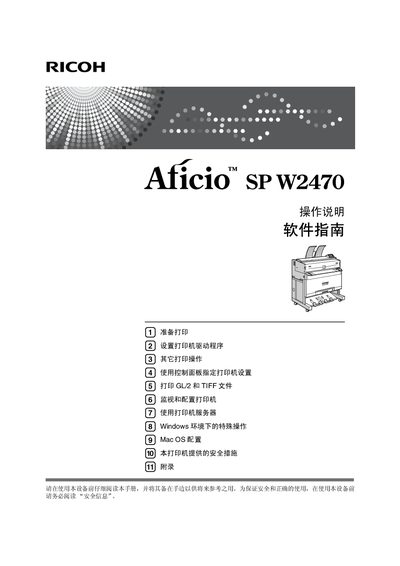
This manual covers safety information, hardware and software guides, and detailed instructions for installing drivers, configuring network connections, and using the printer's control panel. It also explains optional accessories such as the Paper Cassette Type 240.
The document includes sections on key usage, troubleshooting, and security settings, with symbols to highlight important safety notices and operational tips. Installation steps for various operating systems (Windows, Mac OS) and printing methods (USB, TCP/IP, LPR) are provided. This manual is written in Chinese.
| Voltage (220‑240V models) | 220‑240V |
|---|---|
| Voltage (120V models) | 120V |
| Paper cassette type | Type 240 |
Press the Cancel Job key (【取消作业】) to stop the current print job.
The warning indicator lights up when a printer error occurs.
Press the Online key (【联机】); the indicator shows whether the printer is online or offline.
The symbol that denotes important safety notice is used for warnings that could cause serious injury or death.