
Key facts
- Brand
- Philips
- Model
- DVP3588K
- Category
- Player
- Industry
- Appliances
- Documents
- 2
- Languages
- EN · ZH
- Last added
- 2012-03-26
Start here
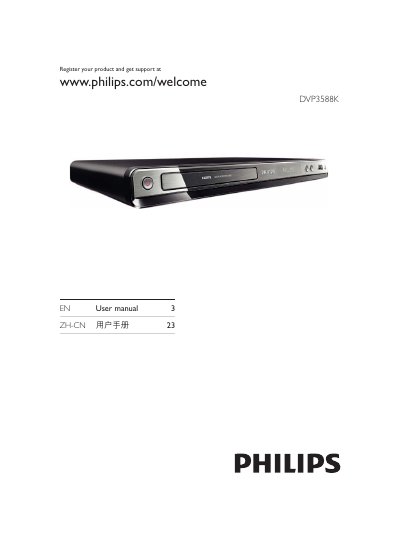
Philips DVP3588K DVD Player User Manual
The DVP3588K is a Philips DVD player that supports a wide range of disc formats and USB media, including DVD‑Video, CD‑Audio, MP3, WMA, WMV, DivX (Ultra) and JPEG files. The manual outlines the product’s remote control functions, safety notices, and optional audio connections.
To get started, register the product online, connect power and the appropriate video cable (HDMI, component or composite), insert batteries into the remote, and follow the on‑screen menus for language selection, progressive‑scan setup, and EasyLink configuration. The guide also covers playback controls, media copying, karaoke recording, and troubleshooting tips.
Philips DVP3588K specifications
| Video resolution | 720p / 1080p |
|---|---|
| USB version | USB 2.0 (up to 480 Mbps) |
| Dimensions (W×H×D) | 360 mm × 39 mm × 209 mm |
All Philips DVP3588K documents by type
Day-to-day operation, settings and troubleshooting. Start here if the product is already set up.
Questions answered in these manuals
How can I register my Philips DVD player?
Register the product at www.philips.com/welcome.
How can I enable progressive scan on the DVD player?
Select Video Setup > Progressive > On in the menu.