
This document is the user manual for the Philips DVD Recorder DVDR 615/17. The manual provides detailed explanations of the features and characteristics of the product, as well as guidance on connections and setup. The manual also emphasizes the importance of registering the warranty card in order to receive the associated benefits. Users can seek assistance by calling the provided phone number or visiting the official website.
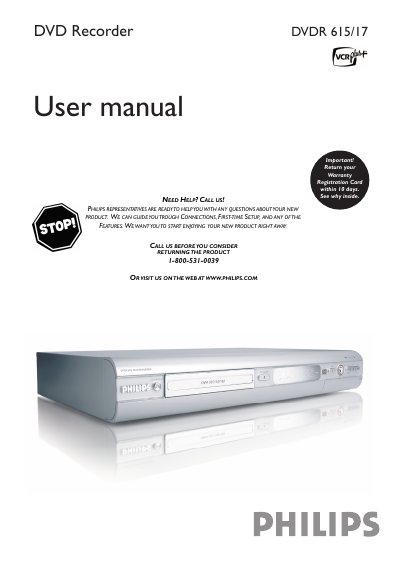
This manual guides Philips DVDR615/17 owners through initial installation, connecting the recorder to a TV, antenna or component video sources, and configuring language, time and channel settings. Detailed sections cover playback functions, recording options, timer programming, and troubleshooting common disc errors.
Safety instructions, warranty registration steps, and a complete list of remote‑control functions are included, along with diagrams of front and rear panel connectors such as S‑Video, Component (Y PB PR), CVBS and digital audio outputs. This manual is written in Chinese.
| Model number | DVDR615/17 |
|---|---|
| Power supply | 110 V / 60 Hz |
It indicates that uninsulated material inside the unit may cause an electrical shock.
Press the STOP button on the remote control to stop playback or recording.