
This manual introduces the use of DVD Recorder DVDR610 DVDR615 DVDR616, including product features, connection methods, and usage steps.
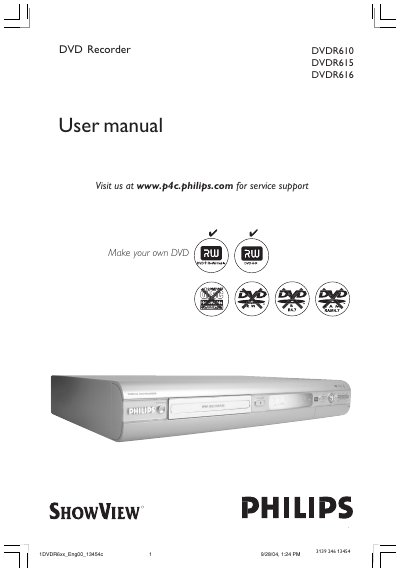
This manual provides step‑by‑step instructions for installing and using Philips DVDR610, DVDR615 and DVDR616 DVD recorders. It covers safety information, wiring diagrams, connection options for TV, VCR, camcorder and cable box, and details the special functions such as Digital Photo Manager and i.LINK.
The guide also explains recording modes, timer programming, disc cleaning, and maintenance procedures, and includes a full specifications table, glossary and TV system guide for regional settings.
| Disc types (recording) | DVD+RW / DVD+R |
|---|---|
| Record mode M1 recording time / quality | 60 minutes / high quality |
| Internal tuner | PAL / SECAM |
| Power supply | 220‑230 V, ~50 Hz |
Remove the fuse cover, take out the old fuse and install a BS1362 5 Amp approved fuse, then replace the cover.
Use a micro‑fibre cleaning cloth and wipe the disc from the centre to the edge in a straight line; do not use solvents or cleaning CDs.