
This document is the user manual for the Philips BDP5200K/93 Blu-ray disc/DVD player, providing instructions on product connection and operation.
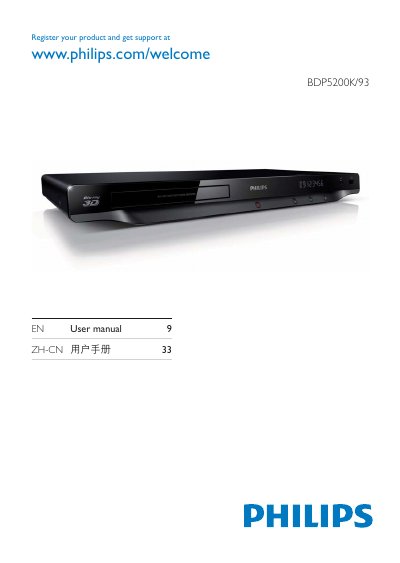
This manual guides you through registering your Philips BDP5200K/93 player and connecting it to your TV or audio system. It covers the required hookup steps, including HDMI, coaxial, component video, and audio line‑out connections, as well as network features such as DLNA and Philips EasyLink.
The guide also explains how to play discs and media files from USB devices, lists supported disc and file formats, and includes the software license agreement that applies to the bundled software. Detailed diagrams and button descriptions help you navigate the player’s menus and functions.
| Video Output Options | HDMI, Coaxial, Component |
|---|---|
| Audio Output Options | Audio Line Out |
| USB Playback | Supports USB playback of video files |
Visit the registration page at www.philips.com/welcome to register your product and obtain support.
The player provides HDMI, coaxial, and component video outputs, as well as an audio line‑out.
Select the USB source and browse the files; the player will play supported video and audio files.