
This document describes the features and functions of Philips P241P3 LCD monitor, including SmartImage Lite, SmartContrast, SmartSaturate, SmartSharpness, Philips SmartControl Premium, and SmartDesktop.
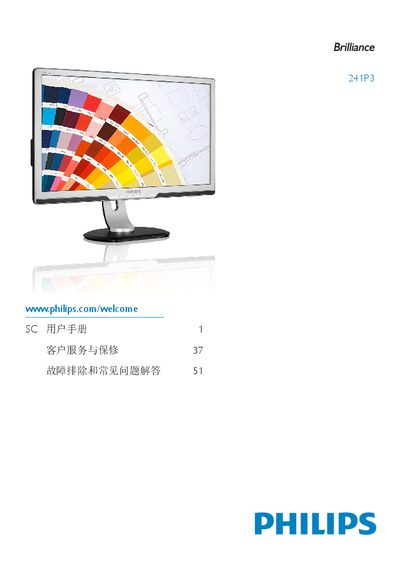
The Philips 241P3 is a computer monitor designed for compatibility with PC, Mac, and workstations. The manual provides comprehensive instructions on installation, operating the on-screen display (OSD), and utilizing specialized image features.
Key operational guidance includes safety precautions, power management, and the use of SmartImage Lite and SmartControl Premium to optimize display performance. This manual is written in Chinese.
| Native Resolution | 1920x1080@60Hz |
|---|---|
| Operating Temperature | 0-40°C (32-95°F) |
| Operating Humidity | 20-80% RH |
Yes, the monitor can be mounted using standard VESA mounting holes.
Yes, it supports plug-and-play functionality under Windows 7, Vista, XP, NT, Mac OSX, and Linux.
Color settings can be changed via the OSD control, with options for color temperature, sRGB, and user-defined settings.