
Philips 239C4Q monitor user manual, which introduces the safety use, installation, operation, image optimization, technical specifications, power management, regulatory information, customer service and warranty, troubleshooting and FAQs of the monitor.
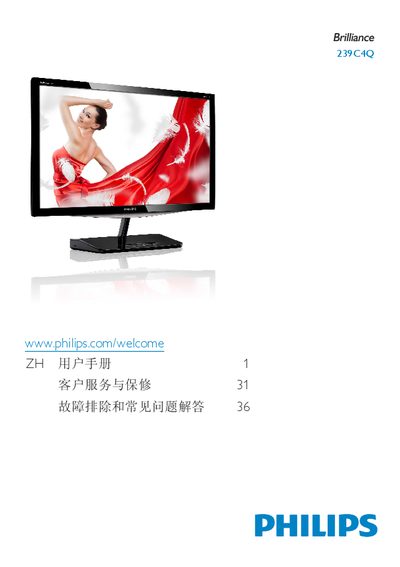
This manual guides users through the safe installation and operation of the Philips 239C4Q LCD monitor. It covers essential safety warnings, proper handling, cleaning, and power‑off procedures, as well as detailed instructions for connecting VGA, DVI, HDMI and the optional AC/DC adapter.
The document also explains the SmartImage suite of picture‑mode presets, how to adjust OSD settings, and provides technical specifications such as panel type, size, resolution, brightness, contrast, response time, and power consumption. Troubleshooting tips address image retention, refresh‑rate settings, and common fault conditions. This manual is written in Chinese.
| Panel type | IPS‑LCD |
|---|---|
| Screen size | 23" (58.42 cm) |
| Resolution | 1920 × 1080 @ 60 Hz (native) |
| Brightness | 250 cd/m² |
| Contrast ratio (typical) | 1000:1 |
| Response time (typical) | 14 ms |
| Viewing angle | 178° H / 178° V |
| Power consumption (typical) | 33.6 W |
| Standby power | 0.3 W |
| Input ports | HDMI1, HDMI2, VGA (239C4QH) / DVI, VGA (239C4Q) |
Use a dry soft cloth; for deeper cleaning, lightly dampen the cloth with isopropyl alcohol, avoiding solvents such as acetone or regular alcohol.