
MO297 is a non-contact moisture meter with a patented built-in IR thermometer and 20-point memory for measuring moisture in wood and other building materials without causing surface damage.
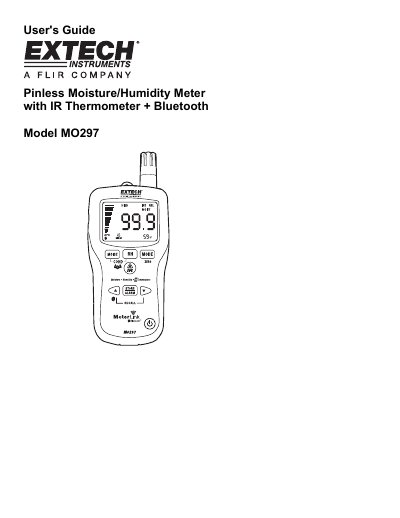
This manual provides instructions for the Extech MO297, a Pinless Moisture Meter that incorporates a built-in IR Thermometer and Bluetooth connectivity for use with Flir infrared cameras. The device allows users to monitor moisture in wood and building materials without surface damage while simultaneously measuring humidity, air temperature, and non-contact surface temperature.
| Memory Capacity | 20 point internal memory |
|---|---|
| IR Distance to Spot Ratio | 8:1 |
| Fixed Emissivity | 0.95 |
| Auto Power Off Time | 30 minutes |
| Battery Type | 9V |
Press and hold the up arrow button for two seconds until the Bluetooth icon appears in the display.
The meter beeps and displays a Condensation Indicator icon; it beeps twice if the temperature is less than 3°C above the Dew Point.