
Key facts
- Brand
- EXTECH
- Model
- 407026
- Category
- Test Set
- Industry
- Electronics
- Documents
- 4
- Languages
- EN
- Last added
- 2026-11-16
Start here
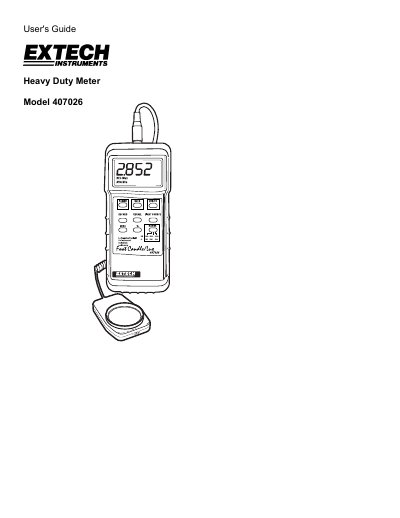
Extech Model 407026 Heavy Duty Light Meter User's Guide
This manual provides instructions for the Extech Model 407026 Heavy Duty Light Meter, a professional instrument featuring selectable lighting types, data record/recall, and a PC interface. It includes details on power management, zero calibration, and measurement techniques.
Read onlineExtech 407026 specifications
| Display | 3-1/2 digit (2000 count) LCD display with contrast adjustment |
|---|---|
| Measurement ranges | LUX: 0 to 50,000 LUX (3 range); Fc: 0 to 5000 Fc (3 range); Relative mode: 0 to 1999% |
| Lighting Types | Sodium, Daylight/Tungsten, Fluorescent and Mercury |
| Sensor structure | Cosine/color corrected photo-diode meets C.I.E. |
| Data Output | RS-232 PC serial interface (optional software/cable PN 407001) |
| Operating conditions | 0 °C to 50 °C (32 °F to 122 °F); <80% RH |
| Power Supply | 9V battery |
| Weight | 320 g (0.71 lbs.) |
All Extech 407026 documents by type
Day-to-day operation, settings and troubleshooting. Start here if the product is already set up.
Questions answered in these manuals
How do I perform zero calibration before measuring?
Place the sensor cover over the light sensor, select the 2,000 LUX range, and press ZERO; the reading should be zero.
Which lighting types can the 407026 measure?
It supports Sodium, Daylight/Tungsten, Fluorescent, and Mercury lighting types.
What is the warranty period for the Extech Model 407026?
Extech warrants the instrument to be free of defects in parts and workmanship for one year from the date of shipment.
From: Extech Model 407026 Heavy Duty Light Meter User's Guide
How do I turn the meter off?
Press the POWER button again to turn the meter off.
From: Extech Model 407026 Heavy Duty Light Meter User's Guide
How do I record maximum, minimum, and average readings?
Press the RECORD button to start tracking, then press RECALL to view MAX, MIN, and AVG readings.
What is the operating temperature range?
The meter operates between 0 °C to 50 °C (32 °F to 122 °F) with humidity less than 80% RH.