
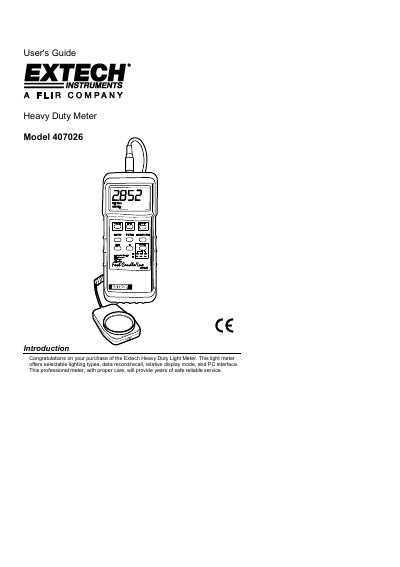
This document is the User's Guide for the Extech Model 407026 Heavy Duty Light Meter. It provides instructions on operating the device, including power management, zero calibration, and selecting measurement units and light source types. The guide also explains how to use data recording and recall functions.
| Display | 3-1/2 digit (2000 count) LCD display with contrast adjustment |
|---|---|
| Measurement ranges | LUX: 0 to 50,000 LUX (3 range); Fc: 0 to 5000 Fe (3 range) |
| Sample rate | 0.4 seconds (approx.) per reading |
| Power Supply | 9V battery |
| Weight | 320 g (0.71 Ibs.) |
| Dimensions | Instrument: 180 x 72 x 32 mm |
Press the RECORD button to start tracking, then press RECALL to view MAX, MIN, and AVG readings.
The meter operates between 0 °C to 50 °C (32 °F to 122 °F) with humidity less than 80% RH.