
Key facts
- Brand
- EXTECH
- Model
- ET10
- Category
- Other Electronics
- Industry
- Industrial
- Documents
- 2
- Languages
- EN
- Last added
- 2026-11-09
Start here
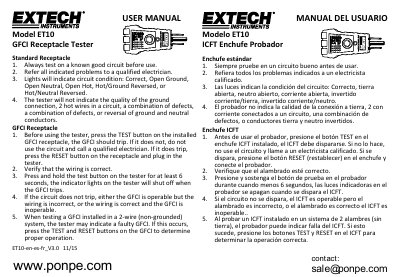
Extech ET10 GFCI Receptacle Tester User Manual
This manual provides instructions for using the Extech ET10 GFCI Receptacle Tester to verify the condition of electrical circuits. It details how to test standard receptacles and GFCI (Ground Fault Circuit Interrupter) outlets, including specific steps for verifying GFCI operation on installed devices.
Read onlineAll Extech ET10 documents by type
Day-to-day operation, settings and troubleshooting. Start here if the product is already set up.
Questions answered in these manuals
What do the indicator lights indicate?
The lights indicate circuit conditions: Correct, Open Ground, Open Neutral, Open Hot, Hot/Ground Reversed, or Hot/Neutral Reversed.
How long should you hold the test button on the tester?
You should press and hold the test button on the tester for at least 6 seconds.
How do I test a GFCI receptacle with the ET10?
Before using the tester, press the TEST button on the installed GFCI receptacle; if it trips, press RESET and plug in the tester.
What does the tester indicate about ground connection quality?
The tester will not indicate the quality of the ground connection.