
This is an instruction manual that introduces the features and characteristics of the Extech Heavy Duty Light Meter product.
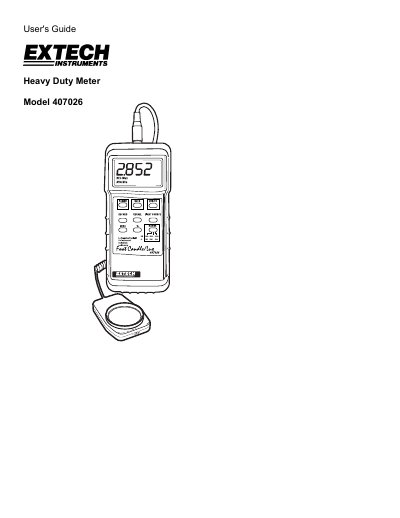
This manual provides instructions for the Extech Model 407026 Heavy Duty Light Meter, a professional instrument featuring selectable lighting types, data record/recall, and a PC interface. It includes details on power management, zero calibration, and measurement techniques.
| Display | 3-1/2 digit (2000 count) LCD display |
|---|---|
| Measurement Ranges | LUX: 0 to 50,000 LUX; Fc: 0 to 5000 Fc |
| Accuracy | ± (4% + 2 digits) of full scale |
| Sample Rate | 0.4 seconds (approx.) per reading |
| Power Supply | 9V battery |
| Weight | 0.71 lbs. (320 g) |
| Operating Temperature | 32 °F to 122 °F (0 °C to 50 °C) |
Extech warrants the instrument to be free of defects in parts and workmanship for one year from the date of shipment.
Press the POWER button again to turn the meter off.
The meter has an automatic power off feature that shuts it off after approximately 10 minutes to conserve battery energy.
Remove the protective holster, pry off the battery compartment cover on the lower back, replace the 9V battery, and secure the cover.