
User guide for the Extech 407026 Heavy Duty Light Meter covering zero calibration, light source selection, measurements, data hold, relative mode, and…
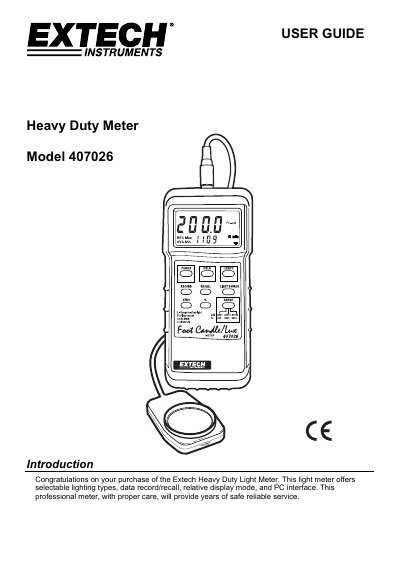
The Extech 407026 is a heavy duty light meter with a 3-1/2 digit LCD, selectable lighting types, data record/recall, relative display mode, and an RS-232 PC interface. It measures in LUX and foot candles using a cosine/color-corrected photo-diode sensor.
The user guide explains power and automatic power off, zero calibration, unit and light source selection, taking measurements, display range selection, data hold, relative % mode, MAX/MIN/AVG recall, RS-232 use, and battery replacement. It also includes specifications, typical light levels, and conversion factors.
| Display | 3-1/2 digit (2000 count) LCD display with contrast adjustment |
|---|---|
| Measurement ranges | LUX: 0 to 50,000 LUX (3 range); Fc: 0 to 5000 Fc (3 range); Relative mode: 0 to 1999% |
| Lighting Types | Sodium, Daylight/Tungsten, Fluorescent and Mercury |
| Sensor structure | Cosine/color corrected photo-diode meets C.I.E. |
| Data Output | RS-232 PC serial interface (optional software/cable PN 407001) |
| Operating conditions | 0 °C to 50 °C (32 °F to 122 °F); <80% RH |
| Power Supply | 9V battery |
| Weight | 320 g (0.71 lbs.) |
Place the sensor cover over the light sensor, select the 2,000 LUX range, and press ZERO; the reading should be zero.
It supports Sodium, Daylight/Tungsten, Fluorescent, and Mercury lighting types.
It automatically powers off after about 10 minutes, unless the RECORD button is pressed to enter recording mode.
It works with Extech Data Acquisition Software (PN 407001) to capture, store, and display readings on a PC.