
This guide provides step-by-step instructions for installing and configuring the D-Link DSR-500/1000 Unified Services Router, including unpacking, cabling…
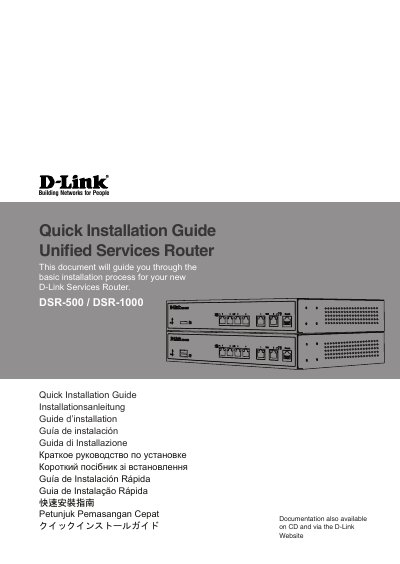
This document guides users through the basic installation process for the new D-Link DSR-500/1000 Services Router. It covers unpacking the contents, verifying items against the packing list, and mounting the device in a standard 19-inch equipment rack using provided brackets.
The guide details how to connect power and network cables (WAN, LAN, Console) correctly. It explains how to access the Web-based management interface via a browser or configure the device using a console connection with specific terminal settings.
| Default LAN IP Address | 192.168.10.1/24 |
|---|---|
| Default WAN2 IP Address (DMZ) | 172.17.100.254/24 |
| Console Baud Rate | 115200 |
| Data Bits (Console) | 8 |
| Stop Bits (Console) | 1 |
The default login information is Username: admin and Password: admin.
Connect a workstation to a LAN port, ensure it has an IP in the 192.168.10.0/24 subnet, and enter Https://192.168.10.1 in your browser.
Set Baud rate to 115200, Data bits to 8, Parity to None, Stop bits to 1, and Flow control to None.