
Key facts
Start here
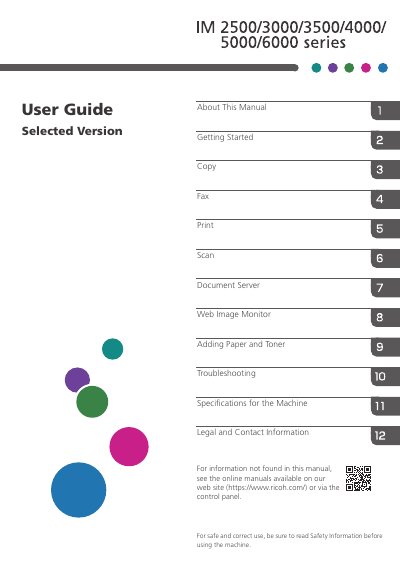
Ricoh IM 2500/3000/3500/4000/5000/6000 Series User Guide
This manual provides instructions for the Ricoh IM 2500/3000/3500/4000/5000/6000 series multifunction devices. It covers essential topics including getting started, using the control panel and touch interface, and managing user logins and security settings.
Read onlineRicoh 6000 series specifications
| Laser Class | IEC60825-1:2007 3R class |
|---|---|
| Laser Source Power | 3.5W laser diode x 3 |
| Laser Wavelength | 440-455nm |
| Weight | Approx. 18kg (40 lbs) |
| Screw Type | M6 x 4 |
| Max Screw Length | 10mm |
Source: Ricoh PJ WUL6280/PJ WXL6280/PJ LU6000/PJLW6000 Series Projector User Manual
All Ricoh 6000 series documents by type
Day-to-day operation, settings and troubleshooting. Start here if the product is already set up.
Questions answered in these manuals
What is the laser class of this projector?
The projector is classified as IEC60825-1:2007 3R class.
From: Ricoh PJ WUL6280/PJ WXL6280/PJ LU6000/PJLW6000 Series Projector User Manual
How much does the projector weigh?
The projector weighs approximately 18kg (40 lbs).
From: Ricoh PJ WUL6280/PJ WXL6280/PJ LU6000/PJLW6000 Series Projector User Manual
What is the product model series covered in this manual?
The manual covers the Ricoh IM 2500/3000/3500/4000/5000/6000 series.
From: Ricoh IM 2500/3000/3500/4000/5000/6000 Series User Guide
What is the main purpose of this user guide?
It explains how to use the machine for copy, fax, print, and scan functions.
From: Ricoh IM 2500/3000/3500/4000/5000/6000 Series User Guide