
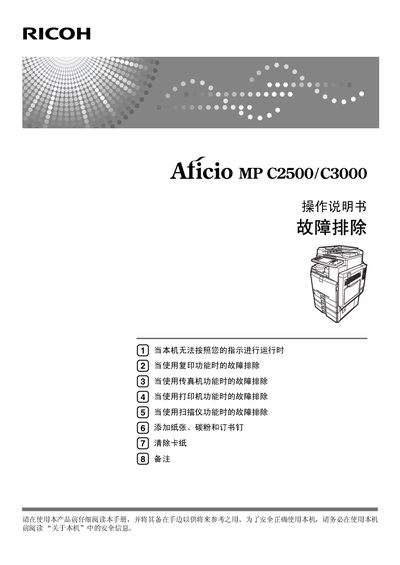
This manual covers the Ricoh Aficio MP LC2500/C3000 multifunction device, which combines copying, printing, scanning, and faxing functions. It includes safety information, preparation steps, and detailed instructions for using each function, as well as guidance on installing the supplied CD-ROM and configuring network settings.
Additional sections address common problems such as paper jams, low toner, and error messages, and provide procedures for loading paper, changing paper size, adding toner and staples, and performing routine cleaning and maintenance. The document also lists legal notices and contact information for Ricoh affiliates worldwide. This manual is written in Chinese.
| Input Voltage | 220‑240 V |
|---|---|
| Frequency | 50/60 Hz |
| Current | 7 A or above |
Read the safety information in the “About this machine” section and keep the manual handy for future reference.
The manual lists bank notes, tax stamps, bonds, stocks, bank drafts, checks, passports, and driver’s licenses as prohibited.
Use the original toner supplied by the vendor for optimal copy quality.