
Key facts
Start here
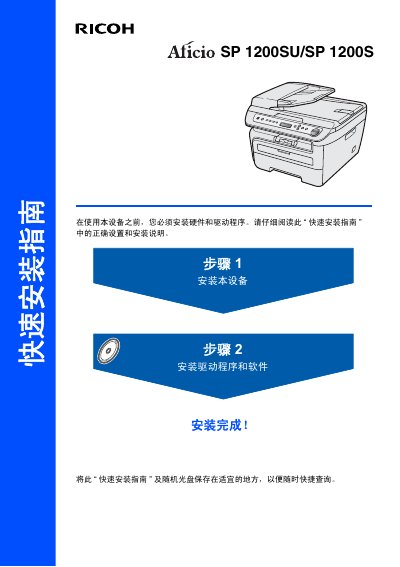
Ricoh SP 1200SU/SP 1200S Quick Installation Guide
Quick Start Guide 16 pages · 2.2 MB · ZH
This Quick Installation Guide covers the essential steps to set up the Ricoh SP 1200SU/SP 1200S printer. It details the unpacking process, installation of the drum unit and toner cartridge, and loading paper into the tray. The guide also explains how to connect the power cord and configure the device language and display contrast. This manual is written in Chinese.
Read onlineRicoh SP 1200SU/SP 1200S specifications
| Paper Tray Capacity | Up to 250 sheets (A4, Letter, Executive, A5, A6, B5, B6) |
|---|---|
| Recommended Paper Weight | 75‑90 g/m² |
| Transparent Film Capacity | Up to 10 sheets |
| Supported Paper Sizes | A4, Letter, Executive, A5, A6, B5, B6 |
All Ricoh SP 1200SU/SP 1200S documents by type
Quick Start Guide 1
The shortest path to a working setup, usually only a few pages.
User Manual 1
Day-to-day operation, settings and troubleshooting. Start here if the product is already set up.
Questions answered in these manuals
Where is the printer’s serial number located?
The serial number is printed on the back of the printer.
How do I load paper into the manual feed slot?
Open the manual feed slot and insert the paper as shown in the manual.