
Key facts
- Brand
- Ricoh
- Model
- C4500
- Documents
- 6
- Languages
- ZH · EN · JA
- Last added
- 2011-09-30
Start here
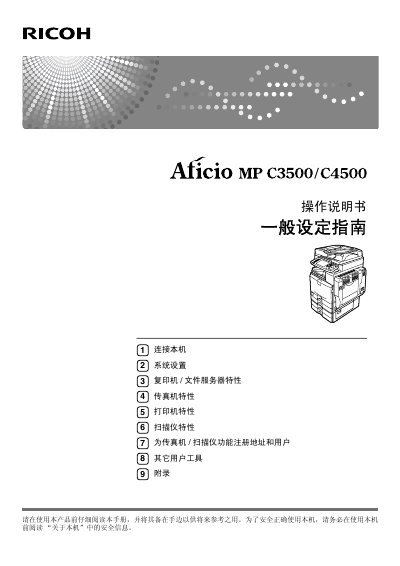
Ricoh Aficio MP C3500 MP C4500 Operating Manual
This is the operating manual for the Ricoh Aficio MP C3500 and Aficio MP C4500. It provides operating instructions and precautions for safe and correct use of the machine.
Topics include connecting the machine, system settings, copier and file server features, fax features, printer features, scanner features, registering addresses and users, and other user tools, followed by an appendix. This manual is written in Chinese.
Ricoh C4500 specifications
| Output speed | 35/45 ppm |
|---|---|
| Maximum paper capacity | 3,550 sheets |
| Warm-up time | 15/20 seconds |
| First copy time | 4.3/3.6 seconds |
| ARDF capacity | 80 sheets |
| Maximum document size | Up to A3 |
| Scan to folder file size | Up to 2 GB |
| Standard interface | NIB and USB |
| Optional connectivity | Bluetooth, Wireless LAN and bi-directional IEEE 1284 |
All Ricoh C4500 documents by type
Day-to-day operation, settings and troubleshooting. Start here if the product is already set up.
Questions answered in these manuals
Which models does this manual cover?
It covers the Aficio MP C3500 and Aficio MP C4500 models.
What connection interfaces does the machine support?
It can connect to Ethernet, USB, IEEE 1394, IEEE 1284, and IEEE 802.11b wireless LAN interfaces.
What output speeds does the Aficio MP 3500/MP 4500 offer?
Top output speeds are 35/45 ppm, and output speeds of 35/45 pages per minute equal duplex speeds.
What is the maximum paper capacity?
The maximum paper capacity is 3,550 sheets.
Are there any items that are prohibited from being printed?
Yes, local law generally prohibits printing items such as stamps, tax stamps, bonds, stocks, checks, and other prohibited documents.
What are the output speeds of the Ricoh Aficio MP 3500/MP 4500?
They offer top output speeds of 35/45 pages per minute.