
Instruction manual, which introduces detailed operating instructions and precautions of the device
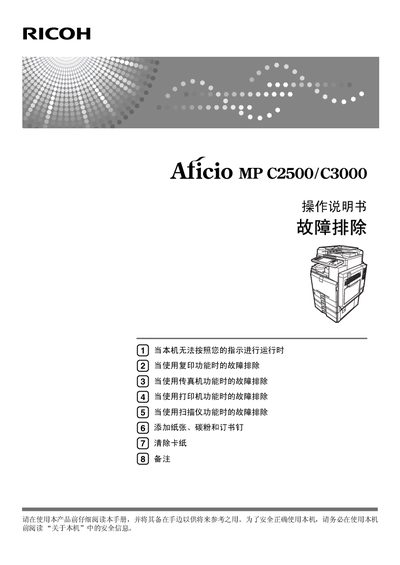
This manual covers the basic operation of the Ricoh LC2500/C3000 multifunction printer, including setup, loading paper, toner, and staples, as well as detailed safety guidelines. It also explains how to use each function—copy, fax, print, and scan—and provides instructions for installing the supplied CD-ROM and connecting to a network.
Additional sections address common problems such as paper jams, low toner, and error messages, and include maintenance tips like cleaning the glass and automatic document feeder. Contact information for Ricoh affiliates worldwide is provided at the end of the document. This manual is written in Chinese.
| Input voltage | 220‑240 V, 50/60 Hz, 7 A or above |
|---|
Read the manual and the safety information in the “关于本机” section before operating the device.
Refer to the “清除卡纸” section for step‑by‑step instructions on locating and removing jammed paper or staples.