
Key facts
- Brand
- Philips
- Model
- 7FF2FPAS
- Category
- Other Electronics
- Industry
- Electronics
- Documents
- 2
- Languages
- EN · ZH
- Last added
- 2012-03-27
Start here
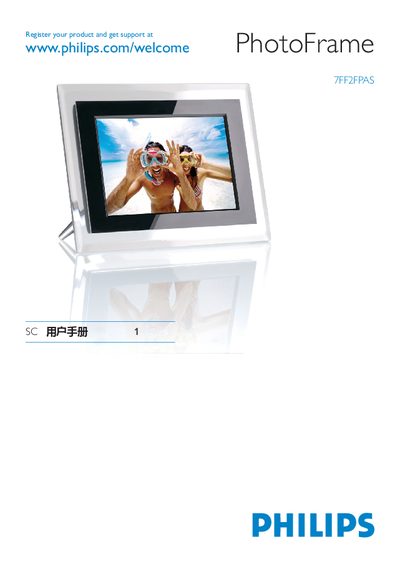
Philips 7FF2FPAS PhotoFrame User Manual
This manual covers everything you need to get started with the Philips 7FF2FPAS PhotoFrame, including a list of items in the box, how to attach the stand, connect the power adapter, and insert storage cards. It walks you through initial setup steps such as turning the frame on, selecting language, configuring time/date, and enabling the auto on/off timer.\n\nThe guide also explains how to view pre‑loaded photos, browse, thumbnail, or slide‑show modes, copy or delete images from memory cards or via a computer, and answers common questions. Service and warranty information is provided at the end of the document. This manual is written in Chinese.
Read onlinePhilips 7FF2FPAS specifications
| Supported storage media | Secure Digital, MMC, xD, Memory Stick, Compact Flash |
|---|---|
| Power supply | External power adapter (included) |
| LCD display type | Non‑touch LCD |
All Philips 7FF2FPAS documents by type
Day-to-day operation, settings and troubleshooting. Start here if the product is already set up.
Questions answered in these manuals
How do I attach the stand to the PhotoFrame?
Place the head of the stand in the socket and then connect the supplied power adaptor.
How can I copy photos from a memory card?
Connect the PhotoFrame to a computer with the provided USB cable and use the copy mode to transfer photos.
Is the LCD display touch‑sensitive?
No, the LCD display is not touch‑sensitive; it is controlled with the buttons on the back of the frame.
How can I tell when a photo copy is finished?
When the screen shows a "Finished" message, the photo has been successfully copied.