
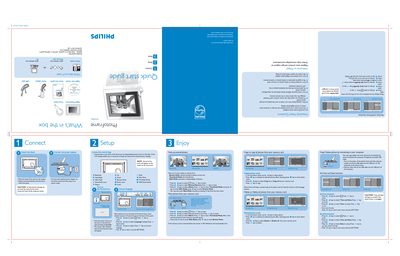
The guide starts with basic setup steps: attach the stand, connect the supplied power adaptor, and link the frame to a computer via the provided USB cable. It also explains how to insert a memory card and start a slideshow automatically if the card is present.
Operation instructions cover the three view modes (Thumbnail, Slide, Browse), menu navigation using the back/left/right keys, and how to copy, delete, or move photos. Additional sections describe setting the time, date, and language, as well as safety cautions for handling the stand and power button.
Place the head of the stand in the socket and then connect the supplied power adaptor.
Connect the PhotoFrame to a computer with the provided USB cable and use the copy mode to transfer photos.
Press # and § keys to select Time and Date, then use the indicated keys to set year, month, and day.
Press # and & keys to select Language settings.