
Key facts
- Brand
- HP
- Model
- Officejet Pro K850 系列
- Category
- Printer
- Industry
- Electronics
- Documents
- 3
- Languages
- RU · CS · ZH
- Last added
- 2026-11-28
Start here
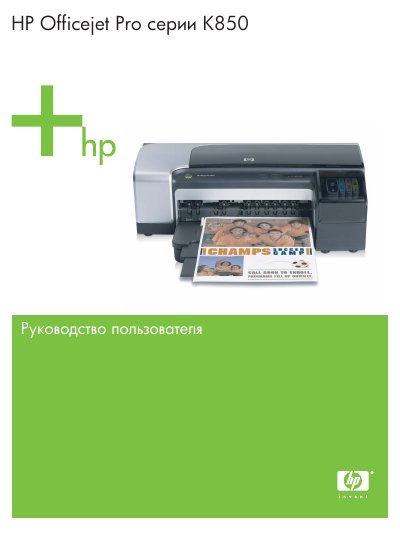
HP Officejet Pro K850 Series User Manual
This manual provides step-by-step instructions for installing, operating, and maintaining the HP Officejet Pro K850 series printer. It includes safety guidelines, setup procedures, printer configuration, troubleshooting tips, and information on consumables and support resources. The guide is designed for end users and covers both Windows and Mac OS environments. This manual is written in Russian.
Read onlineHP Officejet Pro K850 系列 specifications
| Model | K850 |
|---|---|
| Brand | HP |
| Language | Czech |
| Document Version | Version 1, 5/2005 |
All HP Officejet Pro K850 系列 documents by type
Day-to-day operation, settings and troubleshooting. Start here if the product is already set up.
Questions answered in these manuals
How do I replace ink cartridges?
Follow the step-by-step procedure in the maintenance section to replace ink cartridges.
How do you replace an ink cartridge in the HP Officejet Pro K850?
Open the ink cartridge access door and remove the old cartridge, then insert the new one until it clicks into place.
How do I install the automatic duplex printing unit?
The automatic duplex printing accessory is supplied with the HP Officejet Pro K850dn printer and can be installed following the instructions in the manual.
What media sizes are supported by the printer?
The printer supports a variety of media sizes including U.S. Letter, Legal, Super B, A4, Executive, and custom sizes as listed in the specifications.