
Key facts
- Brand
- HP
- Model
- Officejet Pro 8500 (A909)
- Category
- Printer
- Industry
- Electronics
- Documents
- 2
- Languages
- RO · EN
- Last added
- 2026-11-24
Start here
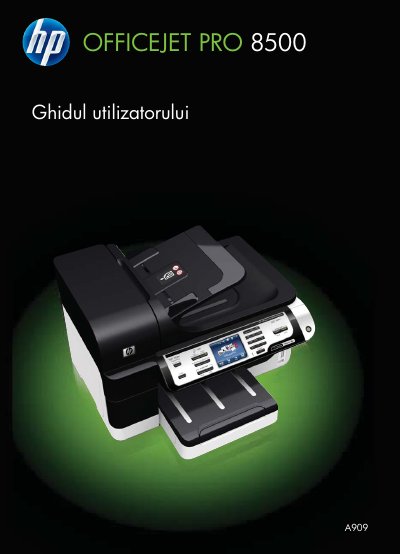
HP Officejet Pro 8500 (A909) All-in-One Printer User Manual
This is the Romanian user manual for the HP Officejet Pro 8500 (A909) All-in-One Series. It covers getting started, accessory installation, and basic device use.
The manual also describes printing, scanning, copying, faxing, memory card use, and device administration. Safety instructions and Hewlett-Packard copyright information are included.
All HP Officejet Pro 8500 (A909) documents by type
Day-to-day operation, settings and troubleshooting. Start here if the product is already set up.
Questions answered in these manuals
What safety measures should be followed when using the product?
Follow minimum safety measures to reduce the risk of burns or electric shock.
From: HP Officejet Pro 8500 (A909) All-in-One Printer User Manual
Can the product be installed or used near water?
No, do not install or use the product near water or when wet.
From: HP Officejet Pro 8500 (A909) All-in-One Printer User Manual
How do I install the duplexer?
The duplexer is installed in the accessories section of the guide.
From: HP Officejet Pro 8500 (A909) All-inOne Series User Guide
How can I send a fax with this printer?
Use the fax functions described in the Fax chapter of the guide.
From: HP Officejet Pro 8500 (A909) All-inOne Series User Guide