
Key facts
- Brand
- HP
- Model
- OfficeJet Pro 8000
- Category
- Printer
- Industry
- Electronics
- Documents
- 3
- Languages
- NO · RU · ZH
- Last added
- 2026-11-26
Start here
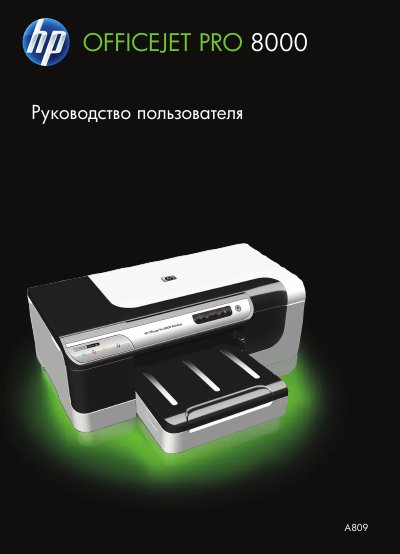
HP Officejet Pro 8000 A809 Printer User Manual
This manual is the user guide for the HP Officejet Pro 8000 (A809) printer. It covers preparing the printer for work, installing optional accessories, selecting and loading print media, printing, and changing print settings.
It also describes configuration and management, maintenance and troubleshooting, control panel indicators, HP supplies and accessories, support and warranty, device specifications, and regulatory information. This manual is written in Russian.
HP OfficeJet Pro 8000 specifications
| Physical Specifications | Fysiske spesifikasjoner |
|---|---|
| Processor and Memory Specifications | Prosessor- og minnespesifikasjoner |
| System Requirements | Systemkrav |
| Print Resolution | Utskriftsoppløsning |
All HP OfficeJet Pro 8000 documents by type
Day-to-day operation, settings and troubleshooting. Start here if the product is already set up.
Questions answered in these manuals
How do I install optional accessories?
Install the two-sided unit and tray 2, then activate the accessories in the printer driver on Windows or Mac OS X.
How do I configure wireless connectivity?
Use the installation program to configure wireless settings for Windows or Mac OS X, or use an ad hoc connection.
К какой серии принтеров относится это руководство?
К принтеру серии HP Officejet Pro 8000 (A809).
How do I install the printer on a Windows computer?
Install the printer accessories and run the supplied software on the Windows computer as described in the installation section.
From: HP Officejet Pro 8000 (A809) Printer series user manual
How do I install the printer on a Mac computer?
Install the printer accessories and run the supplied software on the Macintosh computer as described in the installation section.
From: HP Officejet Pro 8000 (A809) Printer series user manual