
Key facts
- Brand
- HP
- Model
- LaserJet P1000 and P1500 Series
- Category
- Printer
- Industry
- Electronics
- Documents
- 2
- Languages
- EN · ZH
- Last added
- 2026-11-23
Start here
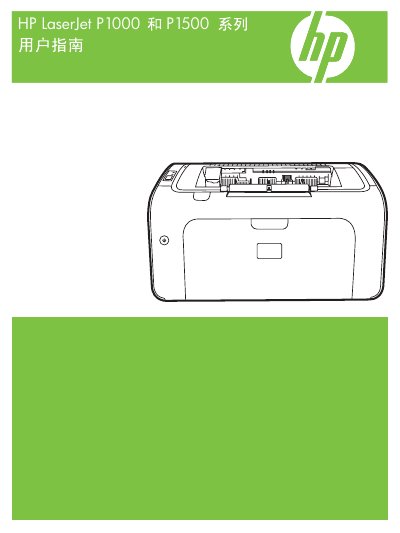
HP LaserJet P1000 and P1500 Series User Manual
This manual covers the HP LaserJet P1000 and P1500 series printers, describing product features, control panel functions, and supported media types. It includes detailed instructions for installing drivers on Windows and Macintosh, as well as network configuration for the P1500 network models.
The guide also explains routine maintenance such as replacing toner cartridges, cleaning the paper path, and using the embedded web server for device management. Troubleshooting sections address common issues like paper jams, print quality problems, and connectivity errors. This manual is written in Chinese.
All HP LaserJet P1000 and P1500 Series documents by type
Day-to-day operation, settings and troubleshooting. Start here if the product is already set up.
Questions answered in these manuals
How do I open the printer driver to print multiple pages per sheet?
Open the printer driver, and click the Finishing tab.
From: HP LaserJet P1000 and P1500 Series Printer User Manual
Where do I select the number of pages per sheet?
Select the number of pages per sheet from the Pages per sheet drop-down list.
From: HP LaserJet P1000 and P1500 Series Printer User Manual
How can I clear a paper jam?
When a paper jam occurs, follow the instructions to remove jammed paper from the input tray, paper path, or output tray, and ensure the media is properly aligned before printing again.
What media types are supported by the printers?
The printers support a variety of paper sizes and other media as listed in the user guide, and HP recommends using HP‑branded media for best results.